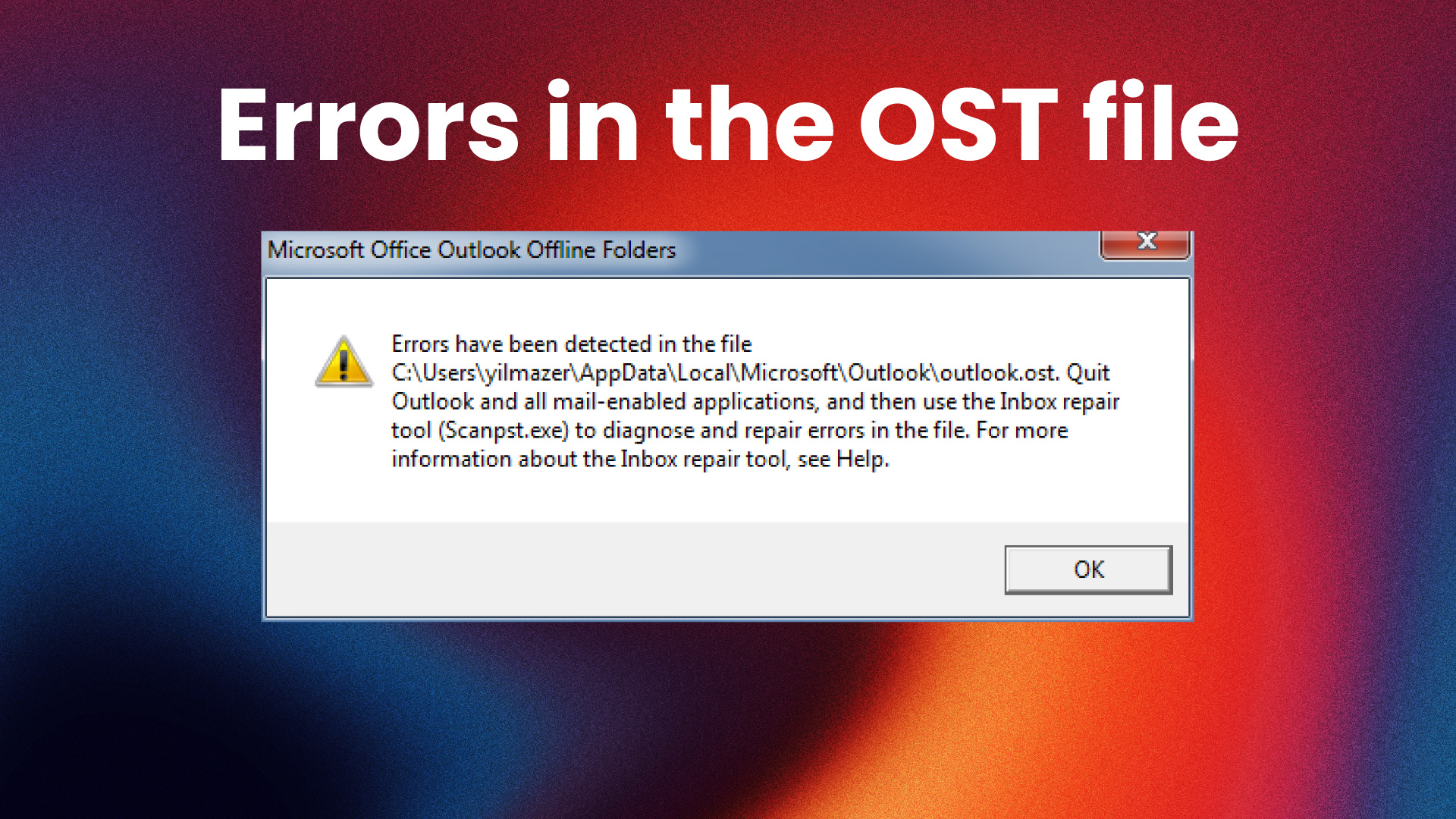
If you see the error “Outlook OST file cannot be opened”, you are not alone. This is a common issue that can block access to your emails, calendar, and other important data.
In this guide, you will learn how to fix the problem step by step and restore your Outlook data.
Video Tutorial
Common Causes
This issue is usually caused by one of the following:
- Corrupted OST file
- Outlook crash or improper shutdown
- Windows update problems
- Sync issues with Exchange
- Very large OST file
Fix 1: Restart Outlook and Windows
Close Outlook completely and restart your computer.
Then open Outlook again and check if the issue is resolved.
Fix 2: Locate the OST File
The OST file is stored in the following path:
%localappdata%\Microsoft\Outlook
Steps:
- Press Windows + R
- Paste the path above
- Press Enter
Check if the file exists and has a normal file size.
Fix 3: Recreate the OST File
Outlook can rebuild the OST file automatically.
Steps:
- Close Outlook
- Navigate to:
%localappdata%\Microsoft\Outlook- Rename the OST file (for example: backup.ost)
- Open Outlook again
Outlook will create a new OST file and sync your data again.
Fix 4: Use the ScanPST Tool
Outlook includes a repair tool.
Path:
C:\Program Files\Microsoft Office\root\Office16
Steps:
- Open the folder above
- Run SCANPST.EXE
- Select your file
- Click Repair
When the Problem Persists
If the OST file is severely damaged, the built-in tools may not work.
In that case, you can use a dedicated recovery tool such as Stellar Converter for OST to:
- Convert OST to PST or EML
- Recover inaccessible emails
- Export data for reuse
This is especially useful if you are working with the new Outlook.
Final Notes
In most cases, the issue can be solved by recreating the OST file or using the repair tool. If not, external tools can help recover the data.
Related Content
For a full walkthrough, watch the video included above.
You can also explore more tutorials on Outlook, Windows, and Linux on the channel.